More time
Less copying and switching between tools, more time for hosting.

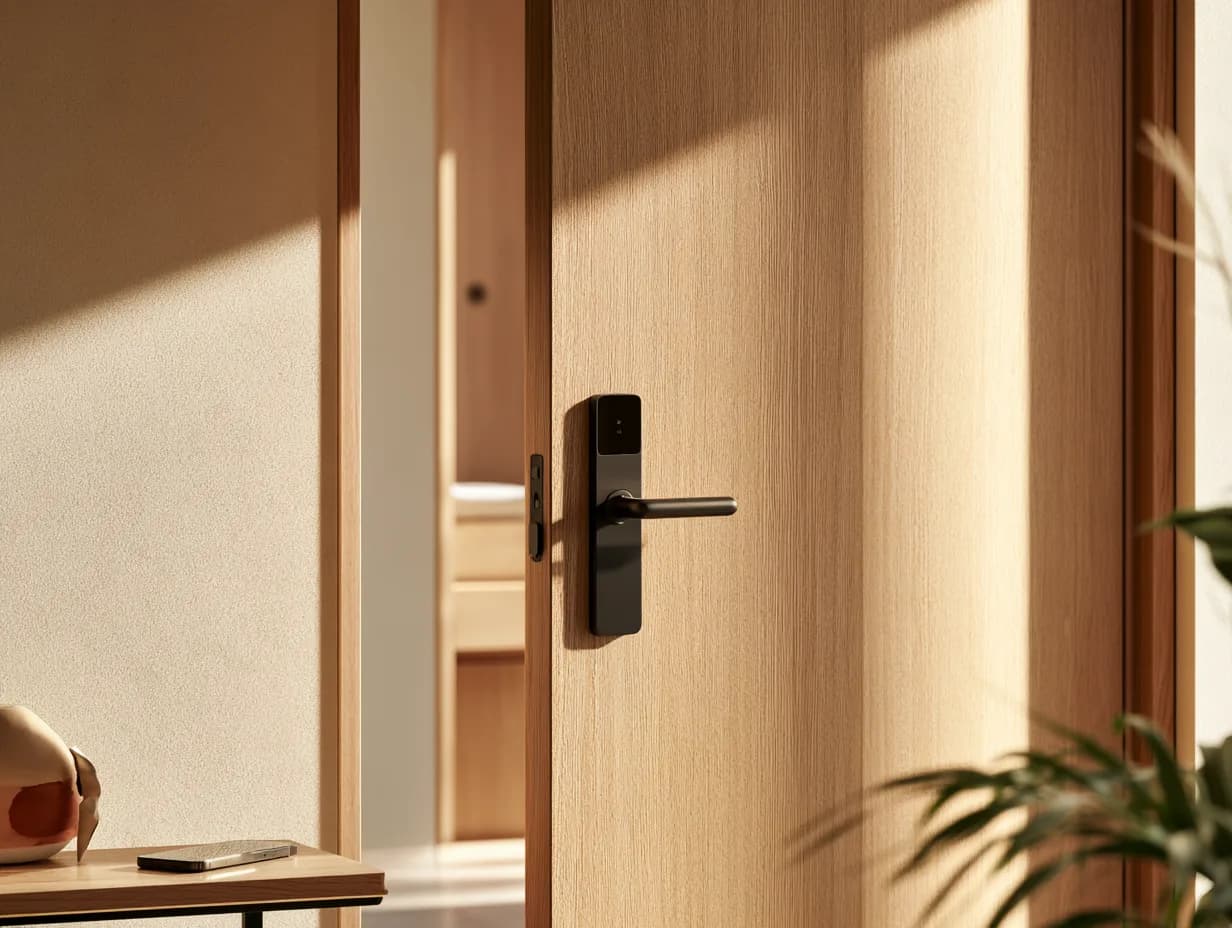
Guests arrive, open their key on their phone and walk in. Keys switch on at check-in and expire at checkout on their own.
Everything you need, collected before they land.
On their phone at check-in time, without anyone issuing it.
No queue, no plastic, no lockbox in the rain.
| Task | Without AskWhisper | With AskWhisper |
|---|---|---|
| Arrivals at four o'clock | A queue at the desk | Straight to the room |
| The key | A plastic card or a lockbox | On their phone |
| Access after checkout | Somebody deactivates it | It expires on its own |
| A room move | Reissued by hand | It follows the reservation |
Arrivals at four o'clock
Without AskWhisper
A queue at the desk
With AskWhisper
Straight to the room
The key
Without AskWhisper
A plastic card or a lockbox
With AskWhisper
On their phone
Access after checkout
Without AskWhisper
Somebody deactivates it
With AskWhisper
It expires on its own
A room move
Without AskWhisper
Reissued by hand
With AskWhisper
It follows the reservation
Delivered to the guest app, with nothing to collect.
Active at check-in, expired at checkout, without anyone toggling.
The right guest, the right door, the right dates.
Next to their stay details rather than in a separate app.
Arrivals, departures and room moves come from the system you already run.
The key can start earlier, if they've paid for it to.
A key is only right if it knows the booking behind it. This reads the same reservation your inbox and your guest app read, so a room move or an extended stay changes the key without anyone reissuing anything.
Less copying and switching between tools, more time for hosting.
More earned per stay, without anyone chasing it or asking the awkward question.

Guests arrive, open their key on their phone and walk in. Keys switch on at check-in and expire at checkout on their own.