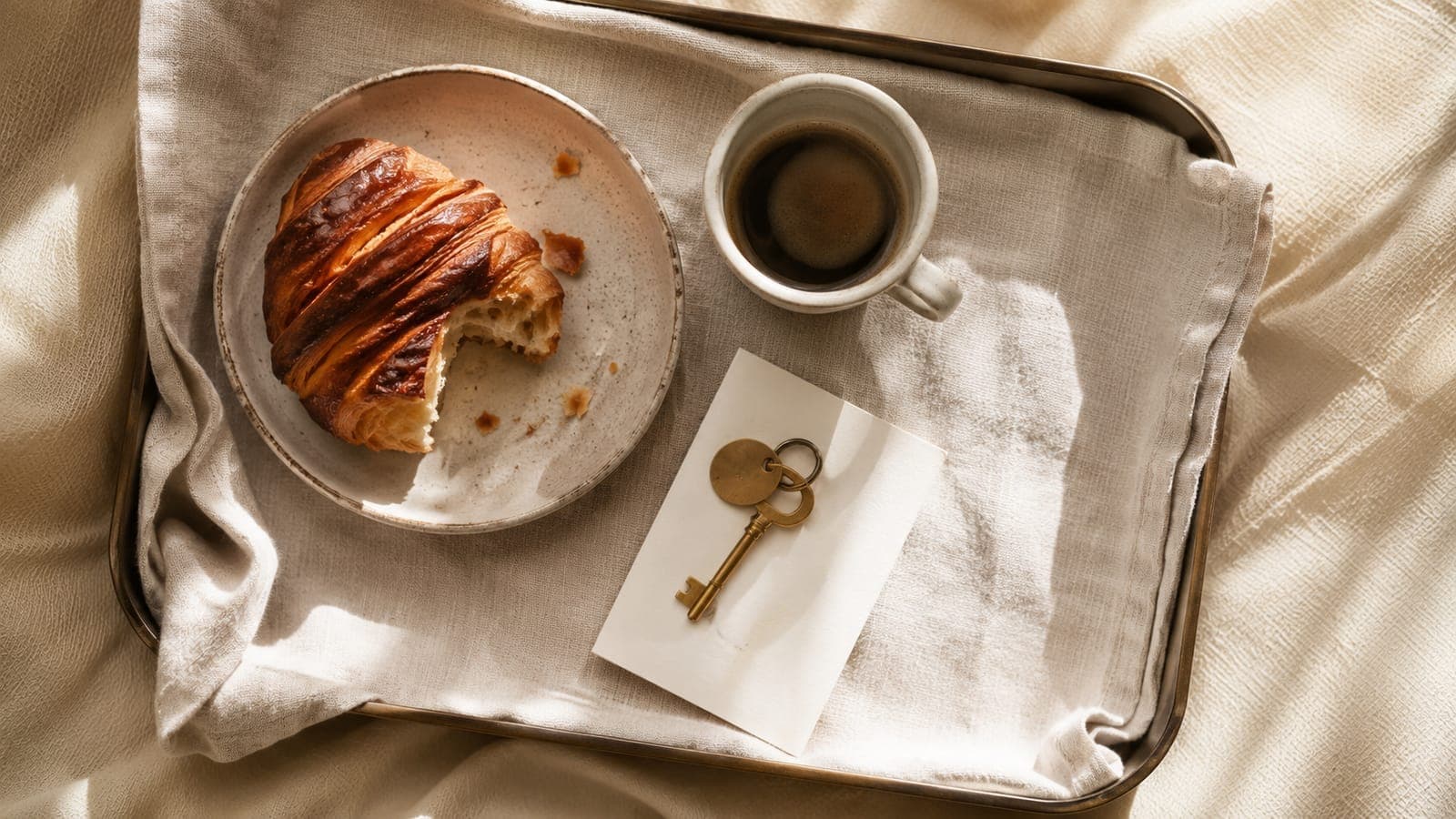
Most hotels lose breakfast and early check-in revenue not because guests don't want those things, but because the offer arrives at the wrong moment, or not at all. The front desk is busy at check-in. The email goes out three weeks before arrival, when the guest has barely started thinking about the trip. The WhatsApp message lands at 11 pm. None of those work.
This guide shows you how to set up automated breakfast and early check-in upsell campaigns that go out at the right moment, to the right guests, and only when you can actually fulfil them. We're using AskWhisper as the platform throughout, because its upsell logic reads reservation, room, and stay data together before deciding when to send. Offers go out through your own channels, not through an OTA, so every euro a guest spends stays with you.
This is the how-to. For the case and the numbers - what ancillary revenue is worth set against forecast RevPAR growth, and which five moments to build - see ancillary revenue is the new RevPAR.
What you'll need: a live AskWhisper account with at least one messaging channel active, your breakfast pricing and service details, and your early check-in policy (windows, fees, any room-type restrictions). Difficulty: low. Most hotels are live within a few days.
What this actually solves
Upsell revenue slips through two gaps: staff forget to ask, or they ask at the desk when the guest is tired and just wants the key. Automation fixes the timing problem. AskWhisper describes it as a three-step flow: "Set what you sell" → "Pick the moment" → "It goes out." The platform reads the same booking, room, and stay details that your inbox and guest app use, so it knows when late checkout should go out (the night before departure), when early check-in is worth offering (24–48 hours before arrival), and when breakfast is best confirmed (the evening before the first night).
A 73-room seafront hotel booked over €24,000 of upsell revenue in its first three months on AskWhisper. That's not from selling harder. It's from asking at the right time.
What you need before building your first campaign
You don't need everything perfect before you start, but you do need the basics in place.
PMS connection. Early check-in automation depends on live reservation awareness. AskWhisper integrates with Mews, Cloudbeds, RoomRaccoon, Apaleo, protel, Clock PMS+, Lighthouse, and MyTourist. Connecting your PMS is "approving access" rather than a development project. Without a connected PMS, you can still run messaging and knowledge-base automations, but offer-level eligibility and availability suppression need the live reservation sync.
Messaging channels. At minimum, activate WhatsApp, email, or webchat. The guest app is worth adding if you want a tap-to-book upsell experience inside the stay. Offers appear in whichever channel the guest is already in, so the experience feels like a conversation, not a broadcast.
Your offer details written down. Before you build anything, confirm:
- Breakfast: price per person, what's included, start and end times, dining location, cut-off for next-day orders
- Early check-in: available windows (e.g., 12:00, 13:00, 14:00 slots), fee per window, any room-type restrictions
Before you build your first campaign:
- PMS connected and reservation sync confirmed
- At least one guest messaging channel active (WhatsApp / email / webchat)
- Breakfast offer details finalised (price, times, inclusions, cut-off)
- Early check-in policy confirmed (windows, fees, room types, capacity limit per day)
- Decided on staff review process: auto-confirm or approval queue?
Setting up your breakfast upsell campaign
Step 1: Define the offer package
Decide whether breakfast is a per-person add-on or a fixed package (e.g., "Continental breakfast for two, €18"). Multi-night stays can trigger the offer once at booking confirmation and again the evening before each new morning, or just the first night if that's simpler to manage.
Step 2: Set eligibility rules
This is where most DIY setups fail. A guest who already booked a rate that includes breakfast should never receive a breakfast upsell offer. In AskWhisper, this is a built-in exclusion rule: guests who have already purchased breakfast are filtered out automatically. Add any other exclusions relevant to your property (e.g., long-stay guests on half-board).
Step 3: Choose your send moments
For breakfast, the highest-converting window is the evening before arrival. You can also add a soft mention in the booking confirmation for guests who book far in advance. Avoid sending the morning of arrival — at that point it's too late operationally and feels rushed.
Step 4: Select channels
WhatsApp performs well for short, action-oriented upsell messages. Email works for guests who prefer it. If you have the guest app active, the offer can appear as a one-tap add-on inside the stay view. Pick the channels your guests are already using.
Step 5: Write the offer content
Keep it short. State the price, what's included, where and when to show up, and the cut-off time. For example:
"Good morning is almost here. Add breakfast for two tomorrow (07:30–10:00, Terrace restaurant) for €18 per person. Reply YES to confirm, or tap below."
Step 6: Capture confirmations
When a guest confirms, the response appears in your shared inbox so any staff member can see it without re-asking. No sticky notes. No re-checking PMS comments.
Step 7: Set a capacity cap
Your dining room has a finite number of seats. Set a daily cap on confirmed breakfast orders so the offer suppresses automatically once that limit is reached. If you're running without real-time availability signals yet, start with a conservative cap (say, 80% of dining capacity) and adjust after the first week.
Setting up your early check-in campaign
Step 1: Define your windows and fees
List the slots you can realistically offer: 12:00, 13:00, 14:00, or a broad "before standard 15:00 check-in" option. Attach a fee to each window or use a flat rate. Be specific about what "early" means so guests aren't disappointed.
Step 2: Set eligibility rules
Offer only to guests who haven't already been assigned early access. If certain room types are never available early (e.g., rooms that require a full turnover from the previous night's late checkout), exclude those room categories. Your PMS sync makes this filterable by reservation attribute.
Step 3: Set the scheduling sequence
The recommended cadence for early check-in:
- Booking confirmation: a brief mention ("Early check-in available from €X, ask us closer to your arrival date")
- 24–48 hours before arrival: the primary offer — this is the high-intent window, guests are packing and planning
- Day before arrival: a final reminder if you still have slots available
The 24–48-hour pre-arrival window consistently ranks as one of the strongest conversion points for ancillary offers — and it makes intuitive sense. At this moment, guests are actively thinking about logistics.
Step 4: Handle capacity before slots run out
When your early check-in slots are full, the offer should stop going out. Configure a cap equal to the number of rooms you can genuinely turn over early on a given day. AskWhisper's availability logic suppresses the offer when the cap is reached, so guests who'd receive it after the limit won't see an offer you can't fulfil.
Step 5: Confirm fulfilment to staff
Confirmed early check-in requests appear in the shared inbox with the guest's name, arrival time, and room details. Housekeeping can be notified through the same thread. No separate spreadsheet needed.
Step 6: Word the offer as a service, not a sale
Compare these two approaches:
- "Upgrade to early check-in for only €15!" — transactional, feels like an upsell
- "Arriving before 3 pm? We can have your room ready from midday for €15. Just let us know." — practical, feels helpful
The second version converts better and generates fewer guest complaints about "being sold to."
Timing cheat sheet
| Upsell | Booking confirmation | 5–7 days out | 24–48 hrs out | Evening before arrival | Day of |
|---|---|---|---|---|---|
| Breakfast | Optional mention | Skip | Primary offer | Primary offer | Too late |
| Early check-in | Brief mention | Optional | Primary offer | Secondary reminder | Only if slots remain |
The key principle, as AskWhisper puts it, is that "the moment needs the whole picture." An offer sent without knowing room type, rate plan, or arrival time is a guess. One sent with that context is relevant. Relevant offers convert. Guesses annoy.
Handling capacity without overselling
Breakfast and early check-in have hard operational ceilings. You can't seat 60 people in a 40-cover dining room, and you can't guarantee a clean room at 11 am if the previous guest checks out at 12.
Set these guardrails explicitly in every campaign:
- Never send an offer to a guest who has already purchased that item
- Suppress the offer when your daily cap is reached
- For early check-in, block offers when your PMS indicates no availability for that slot
If you're not yet using real-time PMS availability signals, start with a manual cap for the first week. Set it conservatively, review daily, and tighten the automation once you've confirmed the PMS signals are reliable. It's better to undersell slightly at launch than to overpromise and disappoint.
What to monitor after you go live
Check these in the first seven days:
- Are the right guests receiving each offer? (Cross-check a few reservations manually)
- Are confirmations landing in the shared inbox, not disappearing into a separate queue?
- Any suppression events you didn't expect? (Could signal a cap that's too low, or an eligibility rule catching the wrong guests)
Then, track weekly:
- Offer sent rate (how many eligible guests received the offer)
- Conversion rate (how many confirmed)
- Average add-on revenue per stay
- Qualitative feedback: what are guests asking in follow-up? "Is the early check-in guaranteed?" and "What time does breakfast end?" are common objections that tell you what detail to add to the offer copy
Adjust lead times, wording, or caps based on what you see. A good starting cadence gets better quickly once real data is flowing.
Once breakfast and early check-in are stable, the same campaign logic applies to late checkout, room upgrades, parking, and airport transfers.
Guest experience comes before sales pressure
Automated upsells feel pushy when they're mistimed or irrelevant. They feel like good service when they arrive at the right moment with the right information. The eligibility rules and timing controls in AskWhisper exist specifically to prevent the first scenario: guests only receive offers for things they haven't bought, at moments when they're planning rather than rushing, through channels they're already using.
A guest who got a WhatsApp message at 6 pm the day before their arrival asking if they'd like breakfast ready at 8 am doesn't feel sold to. They feel looked after.
Pricing reference
The AskWhisper Suite (messaging, email, webchat, guest app) is €99 per month with the first 10 rooms included, then €7 per extra room, plus a one-time €399 setup fee. The website starts at €99 per month (custom domain not included). Digital room keys are €99 per month with 10 rooms included, then €2 per extra room, and Voice AI is priced on call volume.
Most properties are live within a few days. There's no migration, no data-entry project, and connecting your PMS is a matter of approving access rather than building an integration. You update your offer content once in plain language, and it's live across every channel your guests use.
Most of these offers land on WhatsApp, where the rules about what you can send and when decide the shape of the campaign. Our WhatsApp automation playbook covers those mechanics in full.
Ready to put your breakfast and early check-in upsells on autopilot? Start automating your hotel's upsell campaigns with AskWhisper.